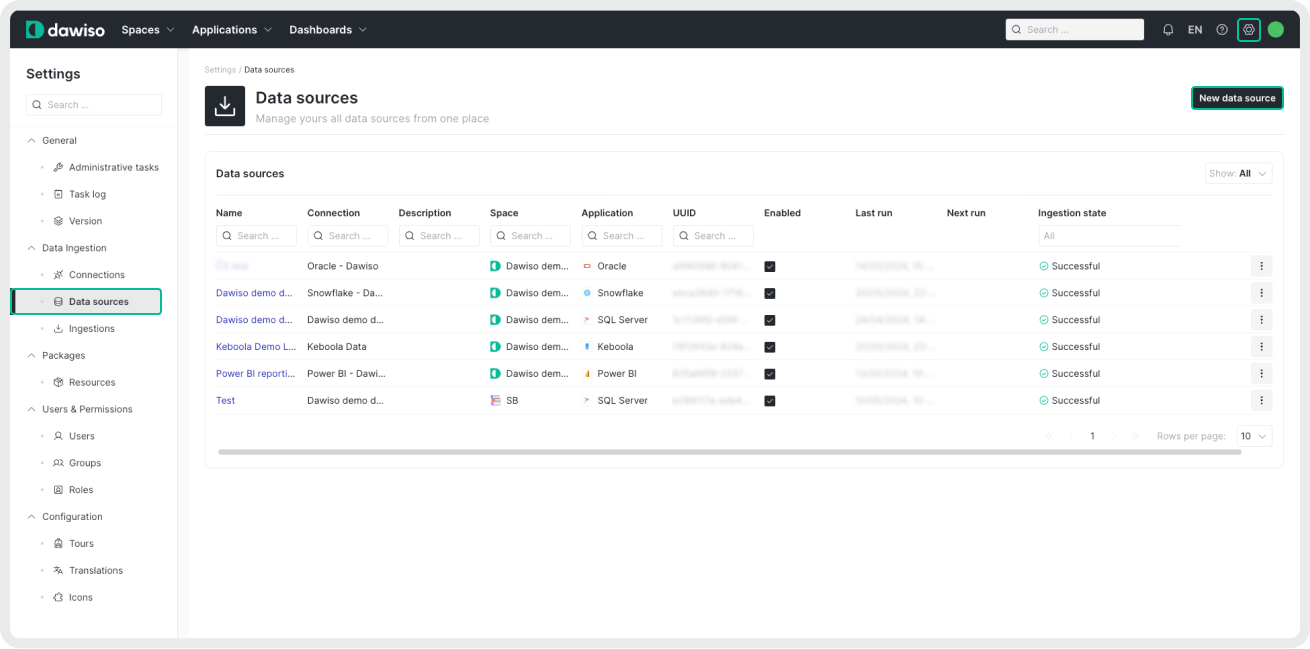
- Navigate to Settings > Data Ingestion > Data Sources.
- Click New data source.
- Select your system and the newly created connection.
- Name your source (and add a description) for easier identification in Dawiso.
Select the maximum depth level
This setting controls how deeply Dawiso expands JSON schema references in your OpenAPI file. Parameters and responses are always included in the scan, the depth level determines how many levels of references Dawiso should follow within schema definitions. This is important when your OpenAPI file contains complex or nested schemas.
Higher levels offer more detailed insight into nested structures, but can also increase complexity and processing time. Choose the level based on how much schema detail you want to bring into Dawiso.
How it Works:
- Level = 0: Dawiso reads the schema but does not expand any references.
- Level = 1: Dawiso expands references one level deep.
- Level = 2: Dawiso expands references up to two levels deep.
- …
- Maximum allowed depth level is 5.
| Maximum Depth Level | Root schema | Reference to schema A | Inner reference to schema B |
|---|---|---|---|
| 0 | Scanned | Not expanded | Not expanded |
| 1 | Scanned | Expanded | Not expanded |
| 2 | Scanned | Expanded | Expanded |
| Higher levels offer more detailed insight into nested structures, but can also increase complexity and processing time. Choose the level based on how much schema detail you want to bring into Dawiso. |
Example:
We have an API that returns a list of users.
The top-level schema UserList references User, which in turn references an Address schema. That Address schema then references a Country schema (UserList —> User —> Address —> Country).
- At depth 0, Dawiso only sees
UserListand notes the reference toUserbut doesn’t expand it. - At depth 1, Dawiso also expands
Userbut not its nested reference toAddress. - At depth 2, Dawiso expands both
UserandAddress, but notCountry. - At depth 3, Dawiso expands the full chain, all the way to include
Country.
This allows you to control how deeply Dawiso follows $ref chains inside your JSON schema definitions.
Destination configuration
In the Destination configuration step:
-
Select into what space you want to store your ingested metadata. Keep in mind you can select only the spaces you have access to.
-
Select the workflow for ingested objects management. For more information on workflows, see the article on Workflow types.
-
[Optional steps]
Configuration Description Schedule To customize the regular automated ingestion, check the box next to Schedule and adjust the frequency. Optional Settings Specify options supported by the provider in JSON format. Option will be made available based on feedback. For more information, see Optional Settings. Additional Settings Add a JSON formatted list of additional settings that can be used to troubleshoot your custom scenarios. We recommend leaving this field empty unless our Dawiso support team suggests otherwise. Enable AI-Generated Descriptions Enable AI-generated descriptions for your ingested metadata. Descriptions will be generated according to prompts that are defined in packages. Each attribute type can have its own configurable prompt and any AI-generated content will be clearly marked with a banner the text is manually reviewed and saved. Descriptions will be generated on the following levels: database, schema, view, and table. 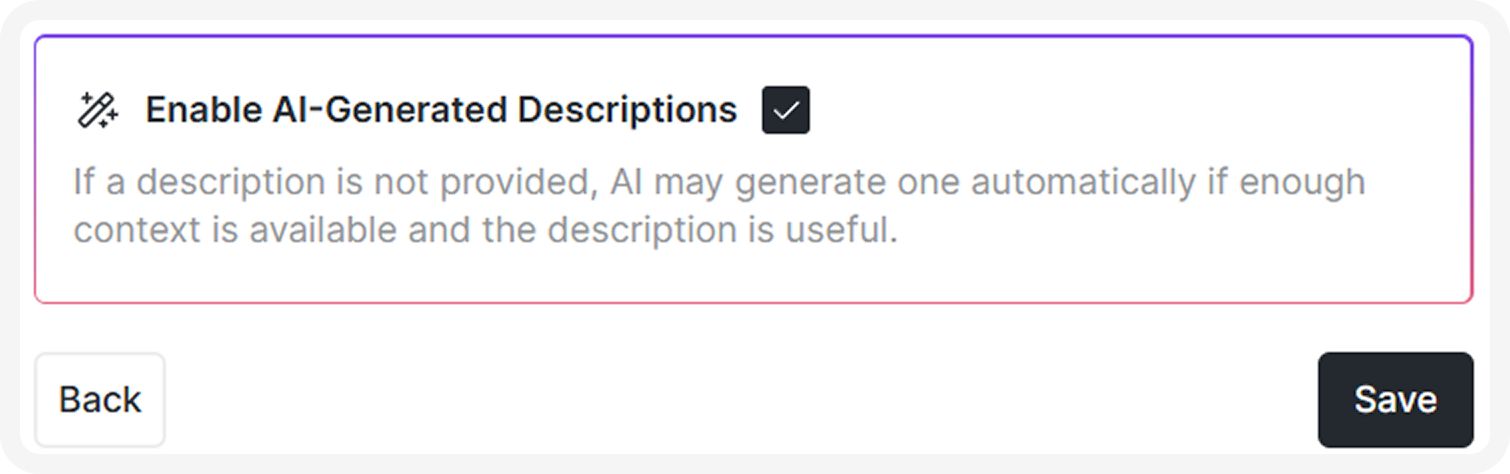
-
Save your data source.
If you delete a data source and then create a new one to the same space, the original ingested data will remain and mix with the new data. To prevent duplicates, always delete the metadata application from the space (with the old source) before creating and ingesting a new one.
Run ingestion
Once you create your data source, you will be redirected to a list of your data sources.
- Click the three dots next to your newly created source, and select Run ingestion.
- Confirm to ingest your data.
You can find all new, running, or completed ingestions by navigating to Settings > Data Ingestion > Ingestions. For more information, see the article on Ingestions.
If you are ingesting data on-premises, refer to these articles instead Dawiso Integration Runtime (DIR).
Once data is ingested to metadata applications, manual changes to the object hierarchy are NOT allowed. Changes such as adding, deleting, or moving objects under different parents may cause data inconsistencies and break data scans.