Create a space in Dawiso to start placing your data. Spaces serve as organizational containers for managing and categorizing business data assets like business terms, tables, or reports (these are referred to as objects in Dawiso). Organize your data according to company, department, or division.
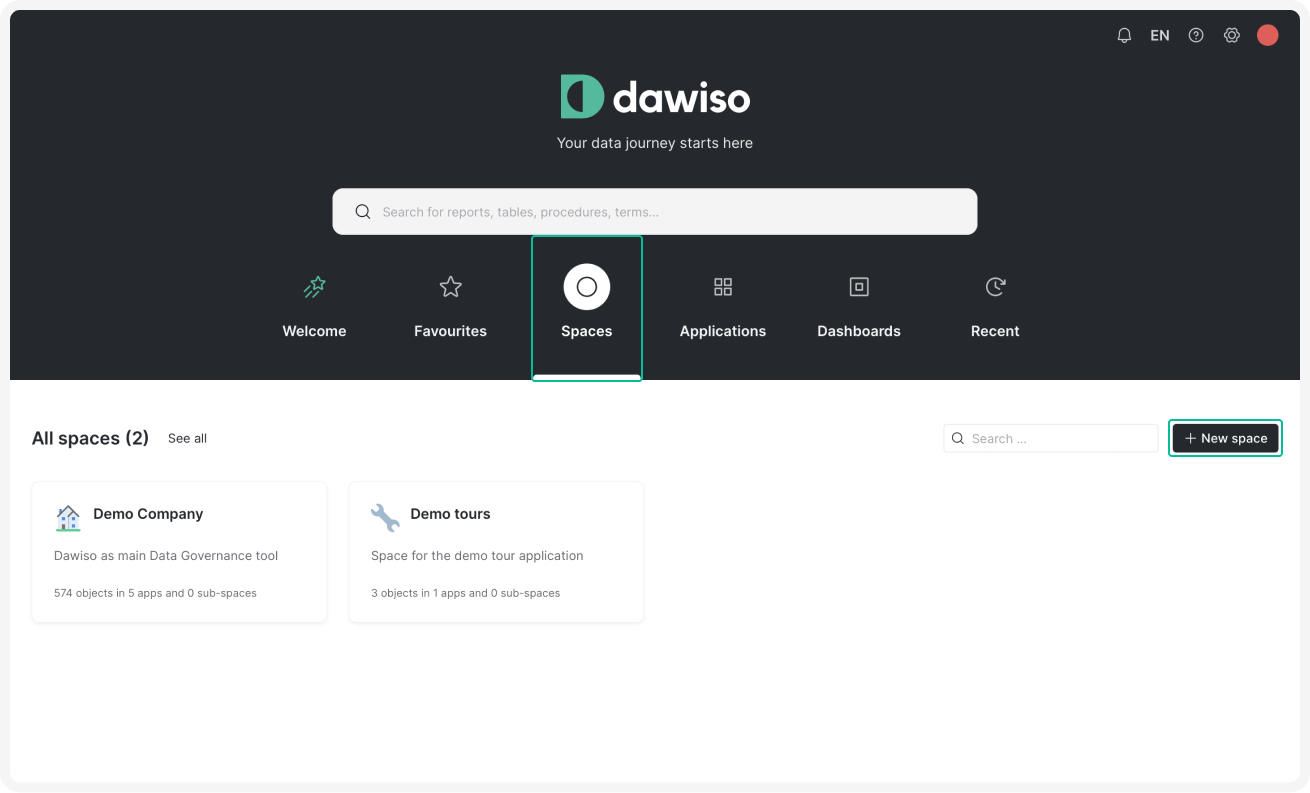
- On your Dawiso dashboard, navigate to the Spaces tab.
- In the middle-right of your screen, click + New space. Name your space and choose an icon.
- [Optional steps]
- Add a description for easier identification.
- Check the Public space box to make your space available for the whole organization.
- Click Confirm to create your space.
Tip
In the next step, you will create an app, which defines the type of objects that can be stored in your space.