From the previous step, we learnt that an app defines possible object types in a space. In other words, apps store metadata and allow you to interact with it.
For example, the Business Glossary app allows only the creation of the following object types: business domains, business terms, business indicators, and business rules.
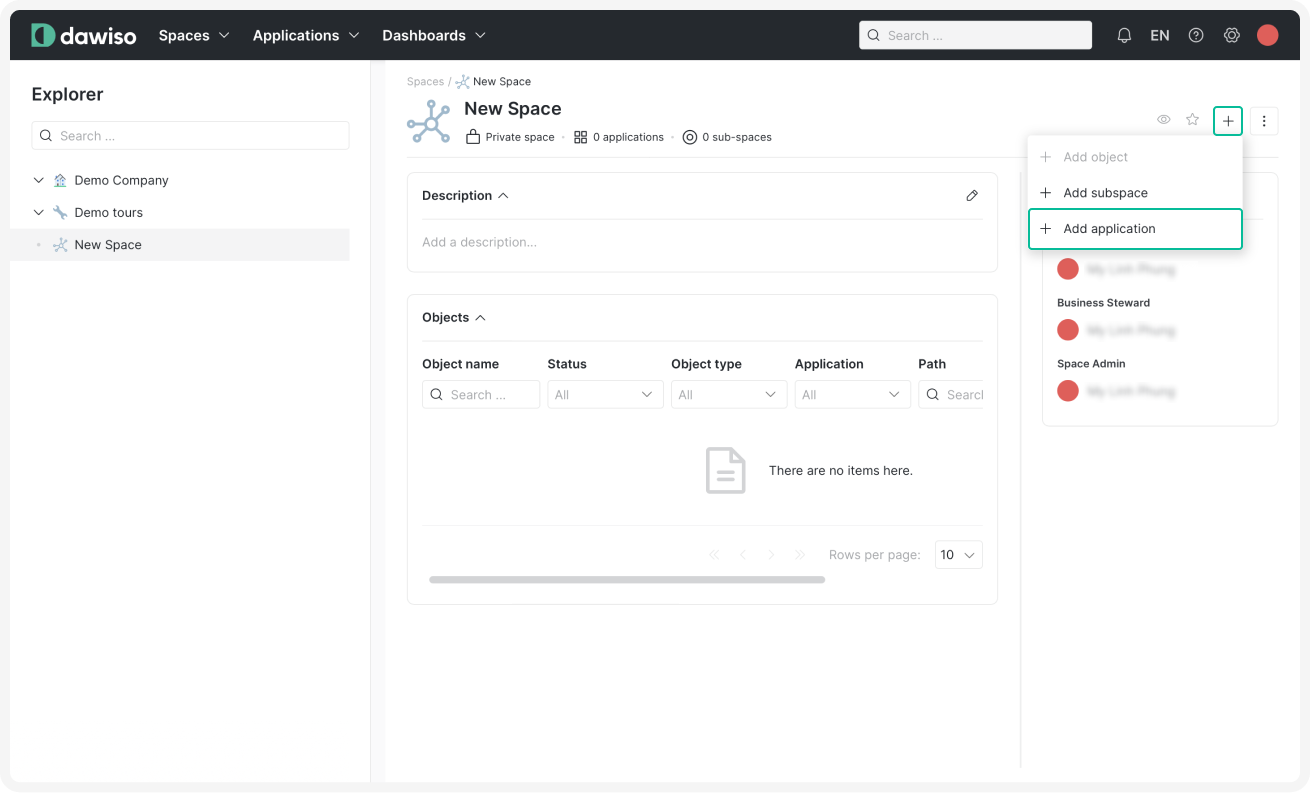
- In the top-right corner of your space, click and select + Add application.
- Select an app (e.g., Business Glossary) and choose your workflow. Default workflow is recommended (for more information, see workflow types).
- Click Confirm to add your app.
Tip
To set up a different app, see one of our step-by-step guides, or for our more advanced users, install a custom app using packages.