To better understand the relations between your data systems, connect data objects to each other or to different apps.
- Select your object and scroll down to see the object relations section.
Tip
The name of this section differs based on the object type.
- In case of a parent object (e.g., a business domain), scroll down to Relations.
- In case of a child object (e.g., a glossary entry), scroll down to User Set Relations.
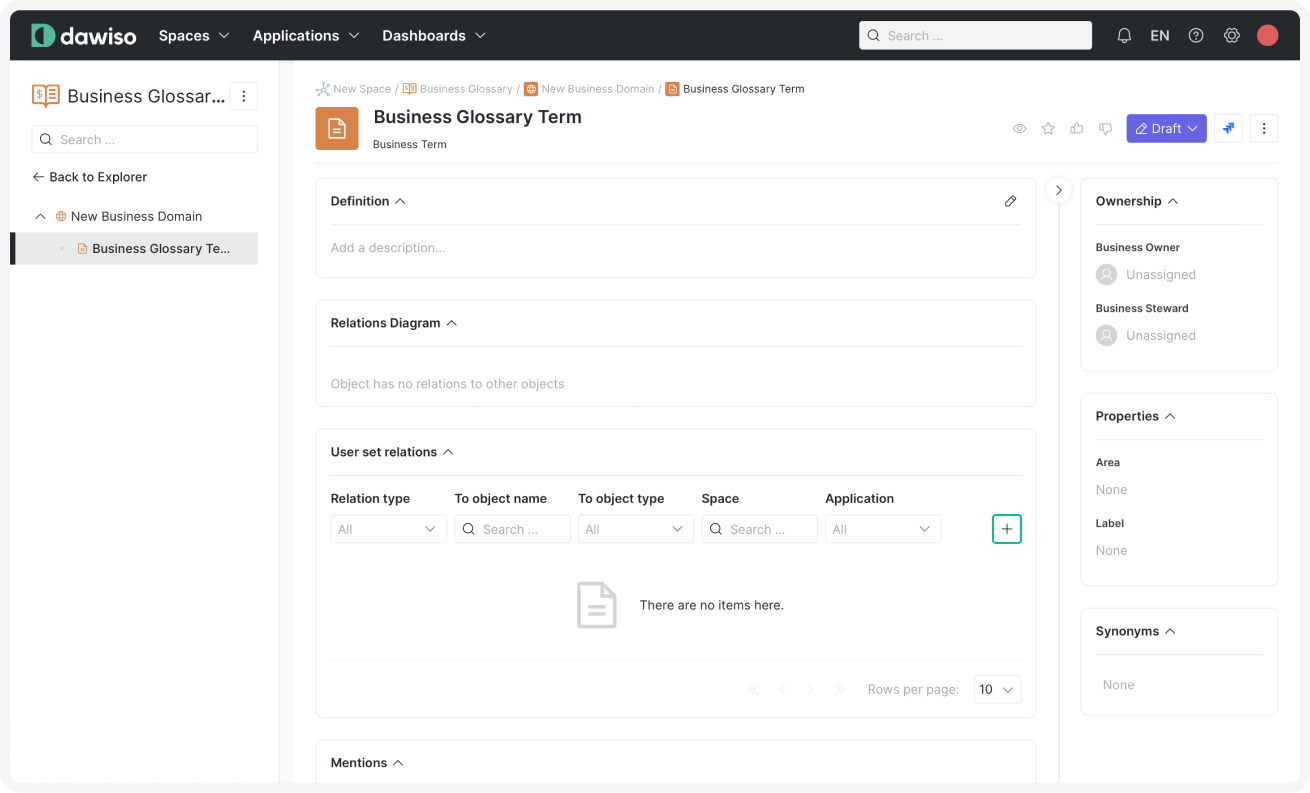
- Click .
- Select the object or appto connect your glossary entry to.
- If you are connecting a parent object, select one of the following relationship types:
- Is mentioned by: If the other object refers to our business domain.
- Is mentioning: If our business domain defines the other object.
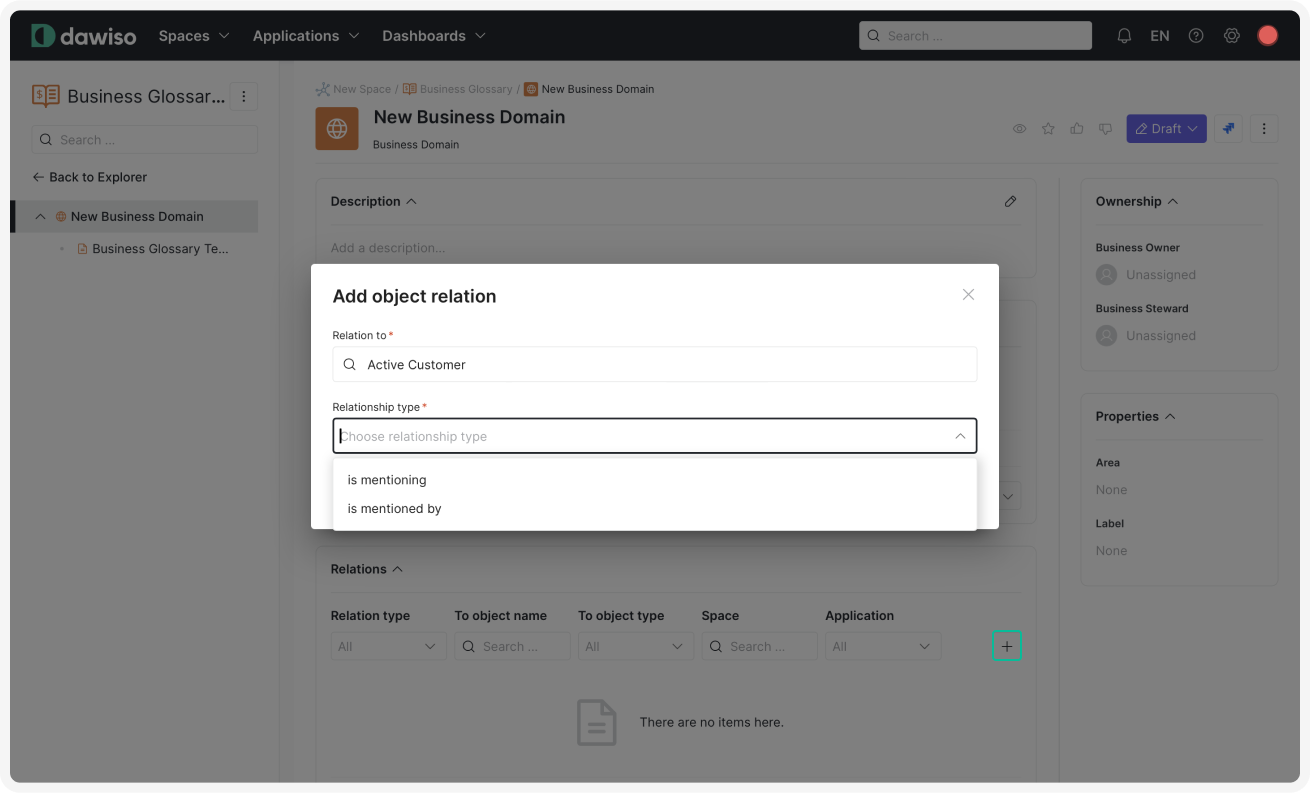
- If you are connecting a parent object, select one of the following relationship types:
- Click Confirm to add the relation.
Tip
Relations between objects allow you to visually map data dependencies!
Easily track how specific terms or rules are used across various departments or systems. These connections enable precise data analysis, aiding in tasks such as impact assessment and regulatory compliance, ultimately enhancing decision-making processes.